Cleanup made
easy and clear
The easy way to clear clutter from your Mac. Every file says what it is and what happens after deletion — you always know what you're removing.
Notarized by Apple
Apple Silicon
macOS 26+
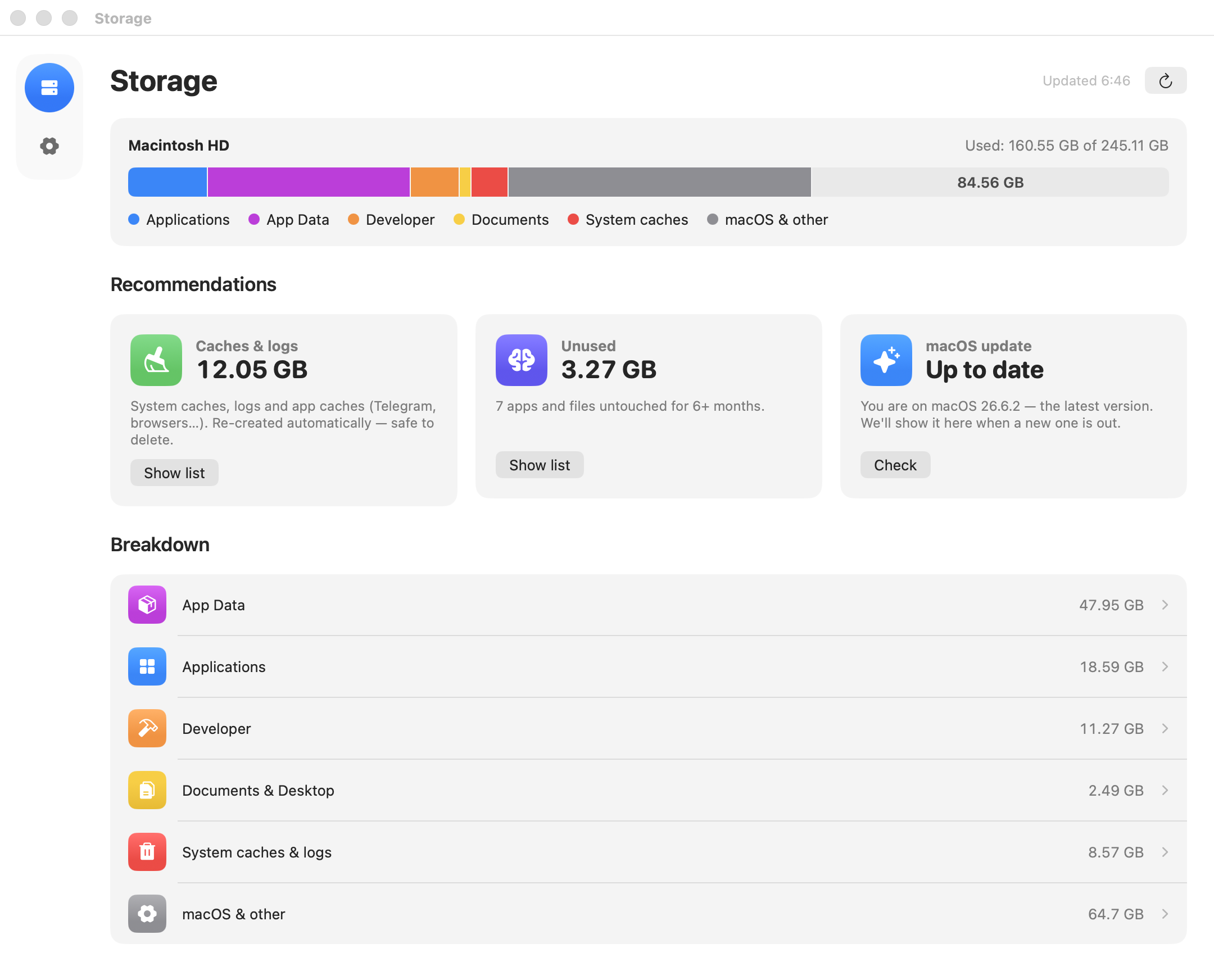
The easy way to clear clutter from your Mac. Every file says what it is and what happens after deletion — you always know what you're removing.
That mysterious multi-gigabyte “System Data” category — broken down piece by piece. Every gigabyte explained.
Everything grouped by app: each one gets a “Clear cache” button, an honest “Delete data” button, and a status showing whether it's used at all.
How to clean “System Data” on Mac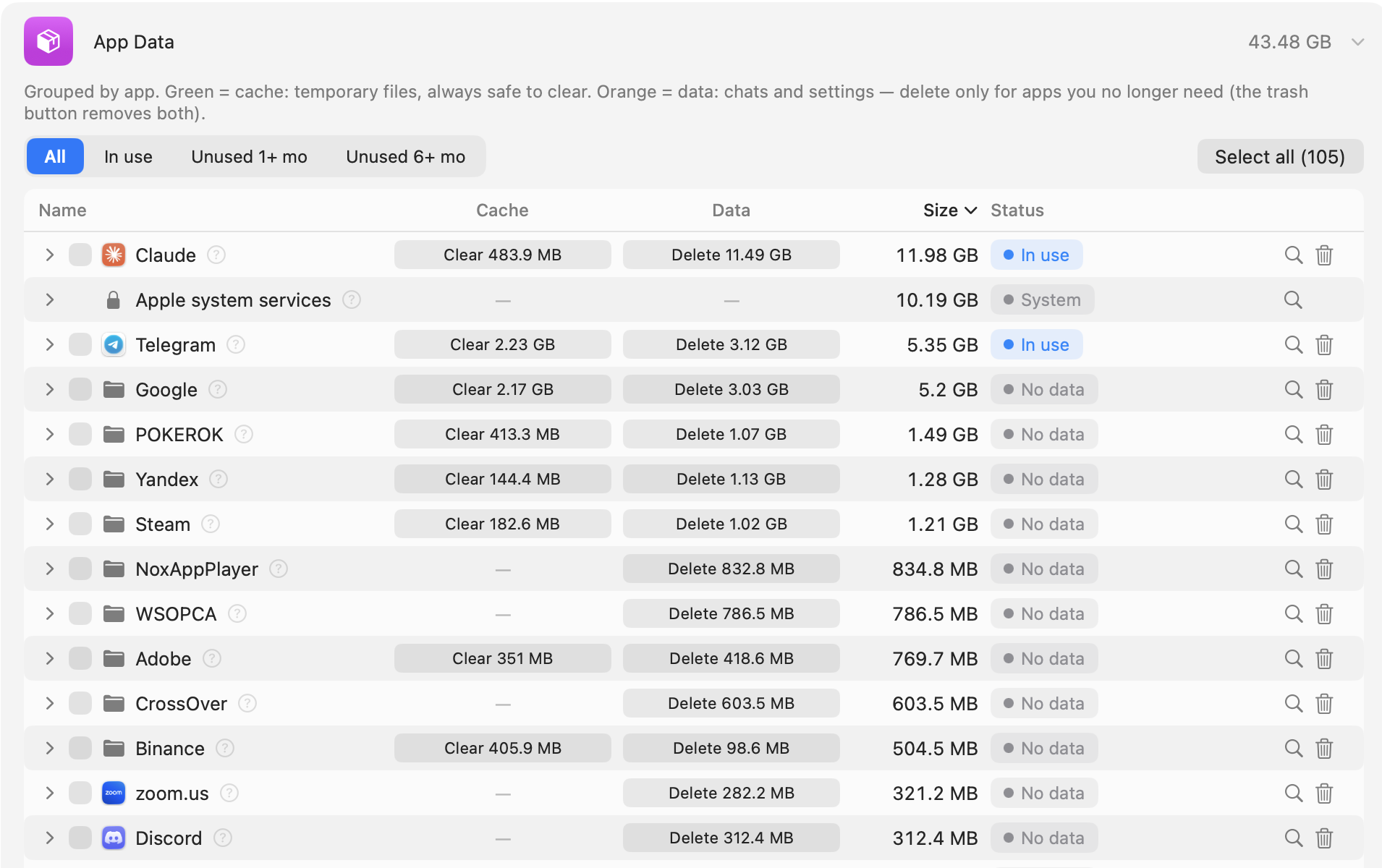
Filter by last launch date: everything untouched for a month or six months, in one list. Dates come from the macOS journal, not guessed from folders.
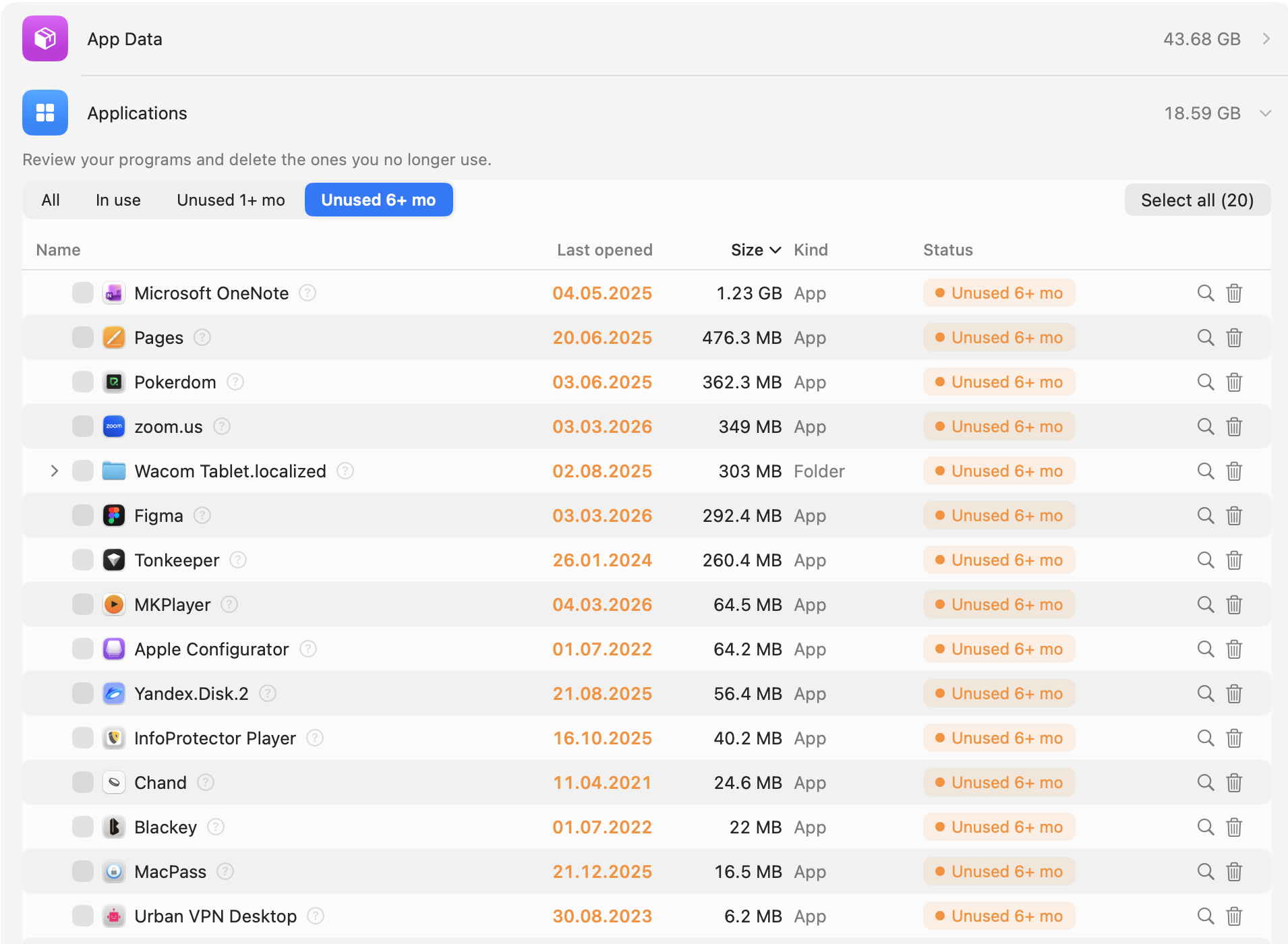
WIWIClean uses Claude AI to determine whether it's safe to delete an app, cache or file. Hover over the “?” to see what's inside and exactly what happens after deletion. If the AI has any doubts, you'll see a warning.
All features unlocked for 7 days — no payment, no card. After that, seeing what takes up space stays free; cleaning needs Pro. The yearly plan costs half as much as CleanMyMac.
Didn't find an answer? Write to us — we'll help you figure it out.
support@wiwiclean.com


